| @COLOR |

Contents
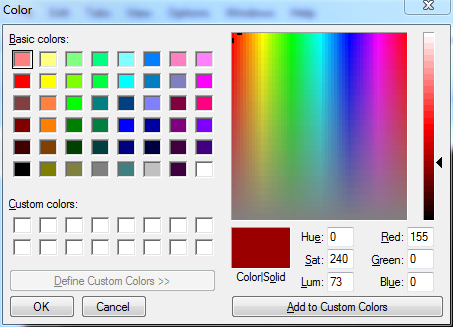
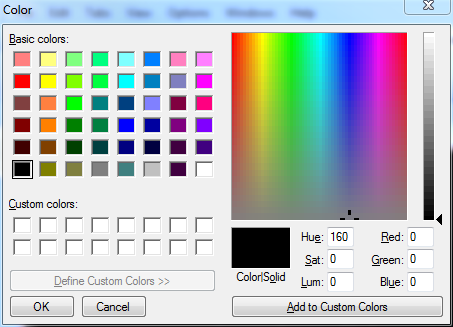
@COLOR[r,g,b] : Displays the Windows color common dialog and returns the RGB value for the selected color as a string in the form r,g,b (e.g. 0,128,64). To specify the initially selected color, use the r (red), g (green) and b (blue) parameters. If no parameters are provided, the initial selection will be black (0,0,0). The parameters are optional, but if one is used all three must be used.
Numeric input may be entered in either decimal format (a sequence of 0-9 digits) or in hexadecimal format ("0x" followed by a sequence of 0-F hex digits).
Examples:
echo %@color[]
echo %@color[155,0,0]