@GETDIR

Contents
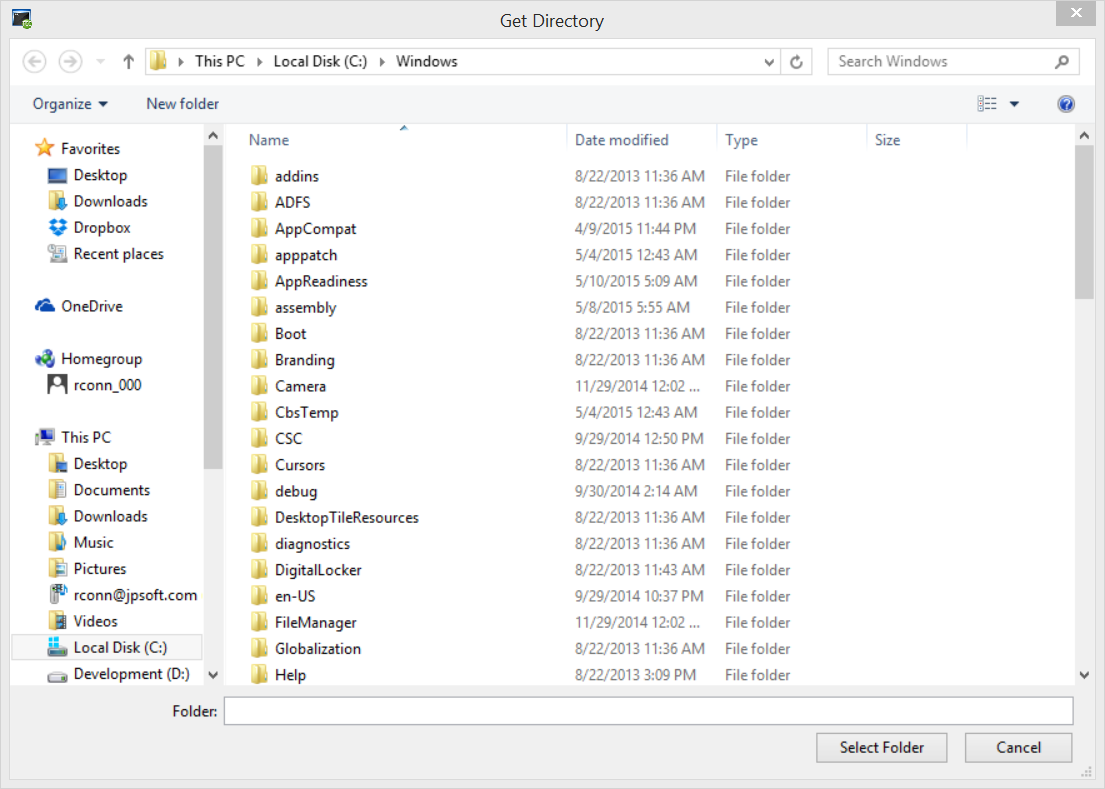
@GETDIR[d:\path[,title]] : Pops up a dialog box to select a directory. d:\path specifies the initial directory; if it is not specified, @GETDIR defaults to the current directory. Returns the chosen directory as a string, or an empty string if the user selects "Cancel" or presses Esc.
d:\path must be in quotes if it contains white space or special characters. On an LFN drive, the returned path may contain white space or other special characters. To avoid problems which could be caused by these characters, quote the returned path before you pass it to other commands. See the notes under Variable Functions for additional details.
If path is quoted, the returned filename will also be quoted (if necessary).
@GETDIR accepts an optional second parameter to set the title of the dialog box.
Example:
cdd %@getdir["C:\windows"]
Note: @GETDIR deals with directories. All directories are folders, but not all folders are directories. To select a symbolic folder, see @GETFOLDER.