Menus

Contents

Like many Windows applications, Take Command displays a ribbon menu along the top of the Take Command window. The default behavior of the ribbon menu is to drop down when you select a menu entry, or you can specify that it always be displayed. (This requires additional screen space.) To select a particular menu item, click once on the menu heading, or use Alt-x where x is the underlined letter on the menu bar (for example, Alt-H displays the Home menu). You can also select a menu by pressing Alt and then moving the highlight with the cursor keys.
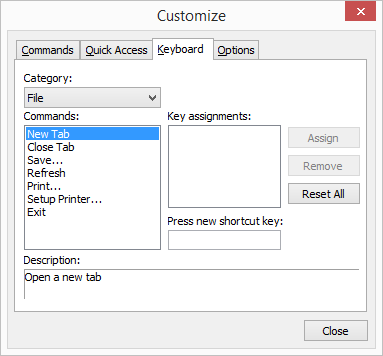
The Take Command Quick Options toolbar and ribbon menu bar are customizable. To customize Quick Options or the ribbon menu (including accelerator keys), click on the button on the right side of the Quick Options toolbar.
The menu bar entries allow you to select a variety of Take Command features: